Sites, networks, and addresses
Sites
A site is a location or operational boundary: your home, a workshop, an office. Every network, device,
service, and agent belongs to exactly one site. Two sites can use the same private range, such as
192.168.1.0/24, without conflict.
Create sites under Administration → Sites, then choose the one you are working on in the Active site selector in the header. Lists, the overview, and new records follow that choice. Global search is the exception: it looks across every site.
Networks
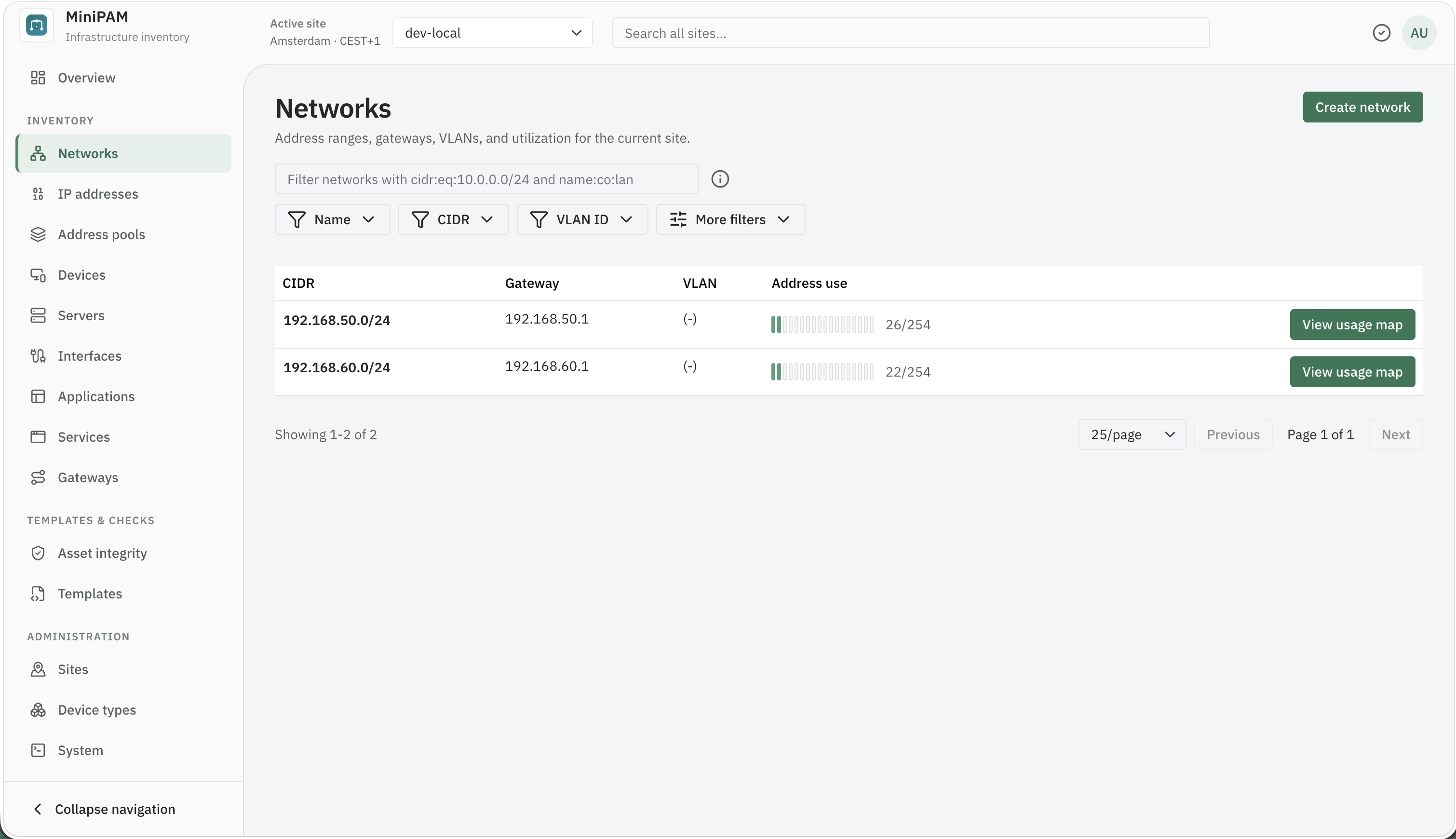
A network is an IPv4 or IPv6 CIDR. Create it under Inventory → Networks with:
- the real CIDR, such as
192.168.10.0/24or2001:db8:10::/64; - the gateway address, if it has one;
- a VLAN ID and name, only when they mean something in your setup.
Inventory → IP addresses has three tabs:
- List: every address in the site.
- Map: one network's address space, as a ledger or a grid, showing reserved, used, free, and out-of-pool addresses. Select a free run to add an address there.
- Activity: when each IP and MAC pair was last seen on one network. Shown to editors and admins when the site has an agent.
A network's View More menu on the Networks page opens the same views for that network.
Address pools
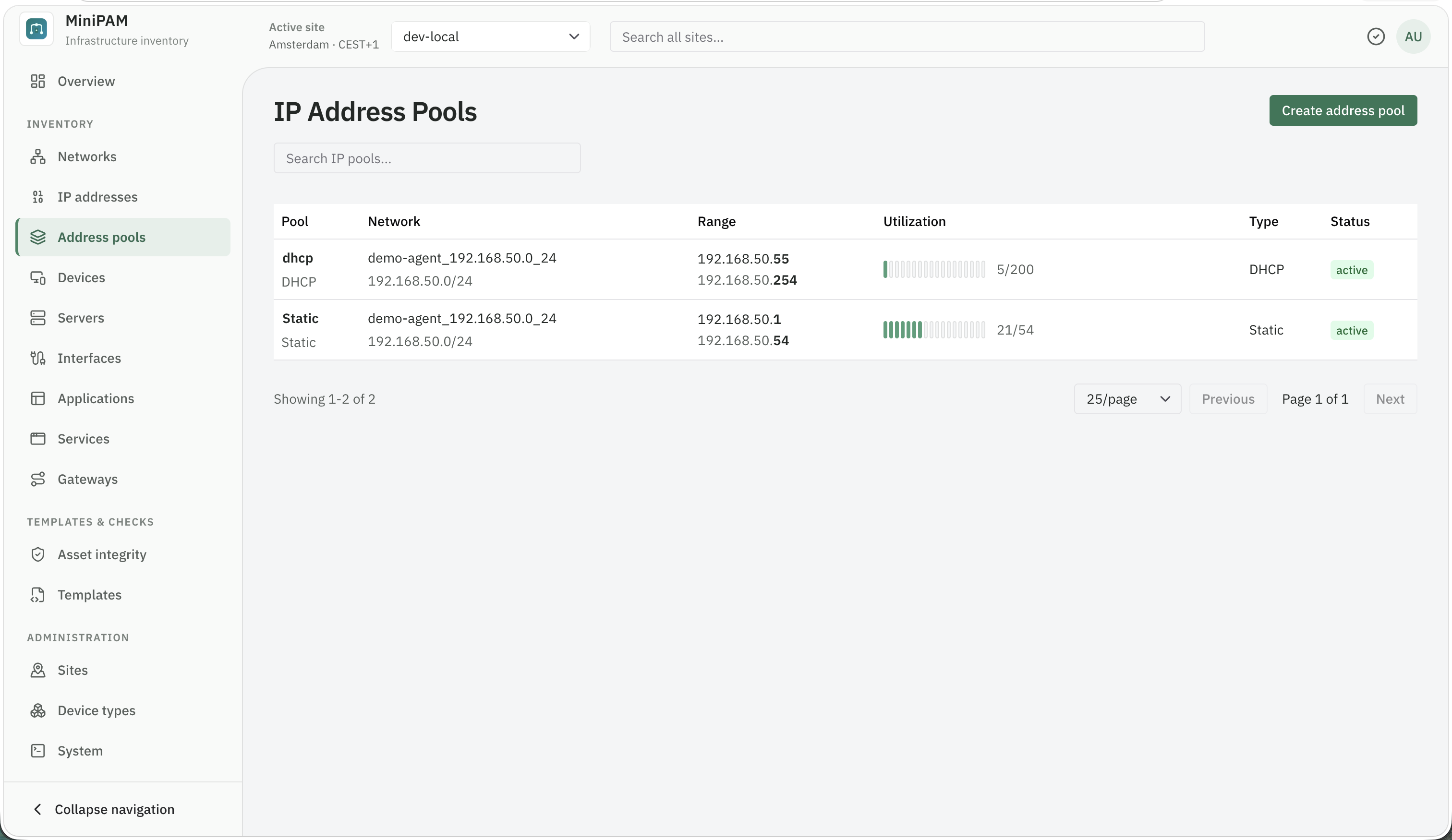
A pool is a named range inside a network with a purpose: DHCP clients, infrastructure, static servers,
reservations. Name it after the purpose, not the numbers. DHCP clients still makes sense after the range
changes; .100-.200 does not.
IP addresses
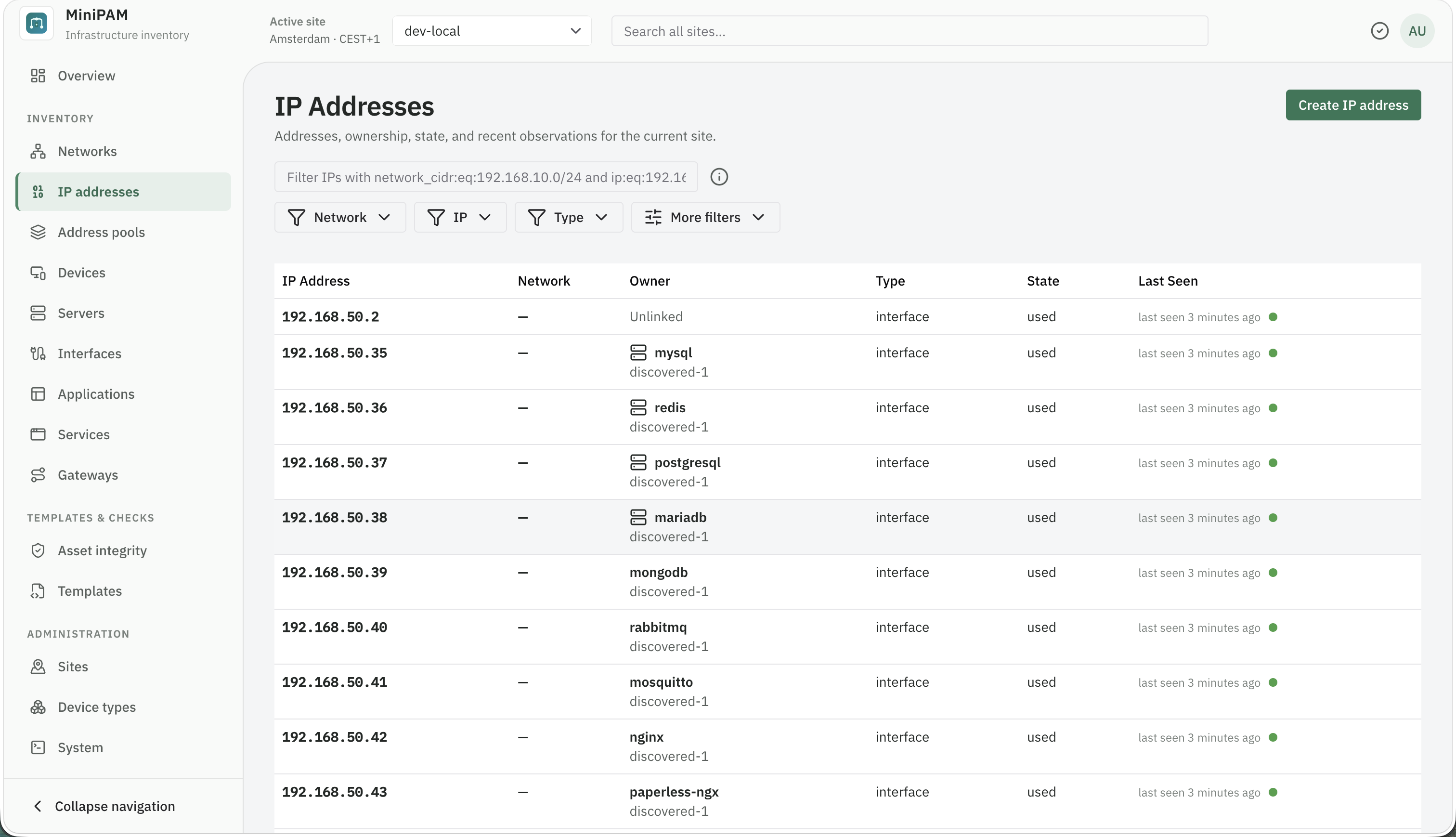
An IP address record holds the address, a description, and a Status: used, allocated, reserved,
discovered, conflict, or deprecated. Discovery and imports set used. In list filters the same field is
called Usage Status.
Link the address to a device interface, and MiniPAM knows which machine and MAC address use it. See Assign an IP address to an interface.
When a device moves or is replaced, update or remove the link. A network can look correctly allocated while pointing at a machine that no longer exists.
If you use discovery, addresses also show when they were last observed and by which MAC. Observations never change an address on their own; they become suggestions in the review queue.
Tags
Most records accept tags: free-form key or key=value labels such as role=router or backup. Use them
for grouping that the model does not cover. You can filter on them in list pages (tag.role:eq:router) and in
templates.