System tools and settings
Most day-to-day work never needs this page. It covers the settings that apply to everyone, and the tools for finding out what MiniPAM is doing.
Workspace features
Each user chooses which parts of MiniPAM appear in their own navigation, from the user menu → Workspace features. See Ways to use MiniPAM.
Sites
Administration → Sites (admins). A site is a location or boundary that scopes everything else; see Sites, networks, and addresses. Deleting a site deletes everything in it.
Device types
Administration → Device types holds the catalog of device kinds: router, switch, NAS, printer, phone, virtual machine, and many more. A type gives devices an icon and a category, and decides whether they appear under Servers.
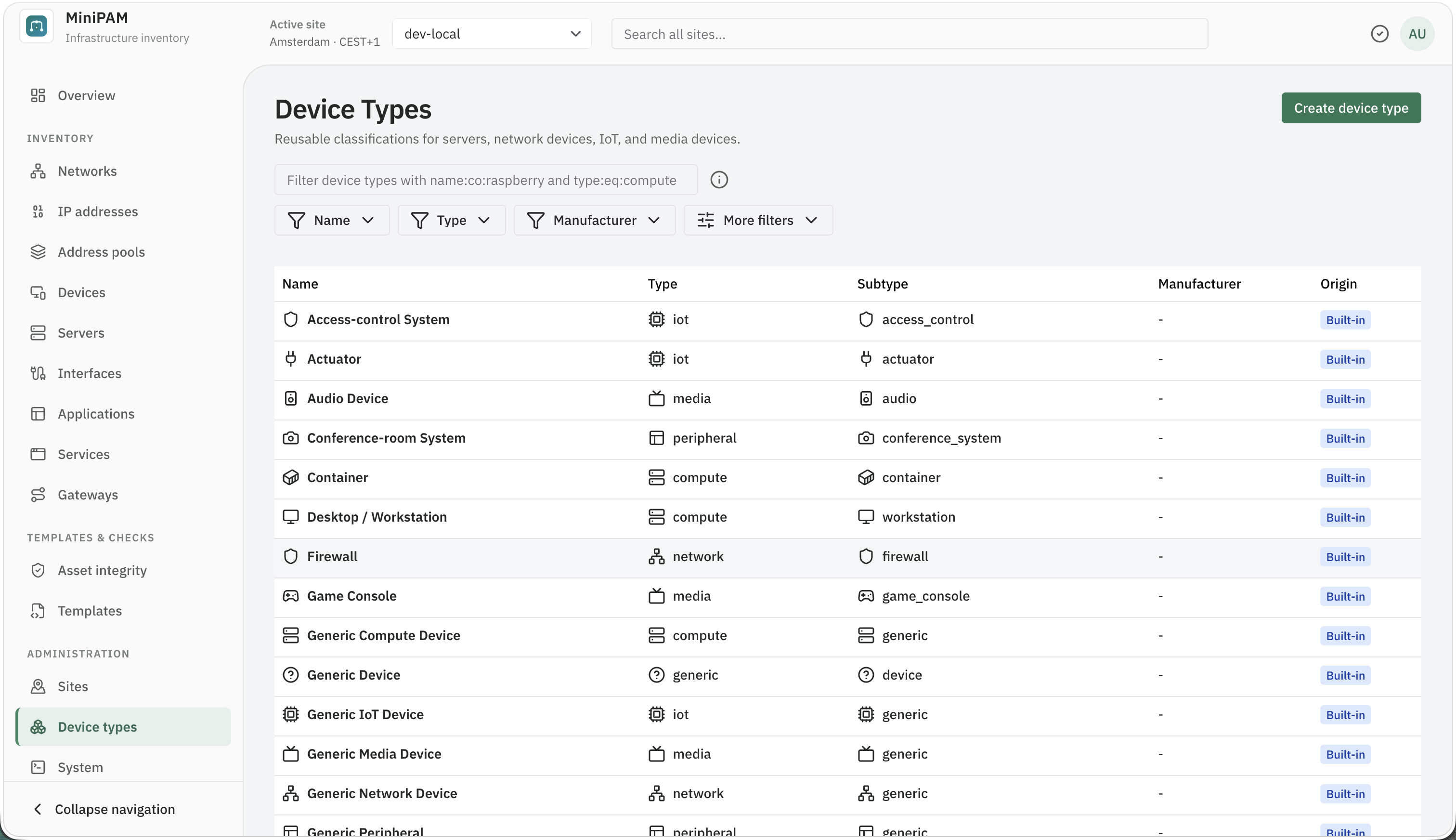
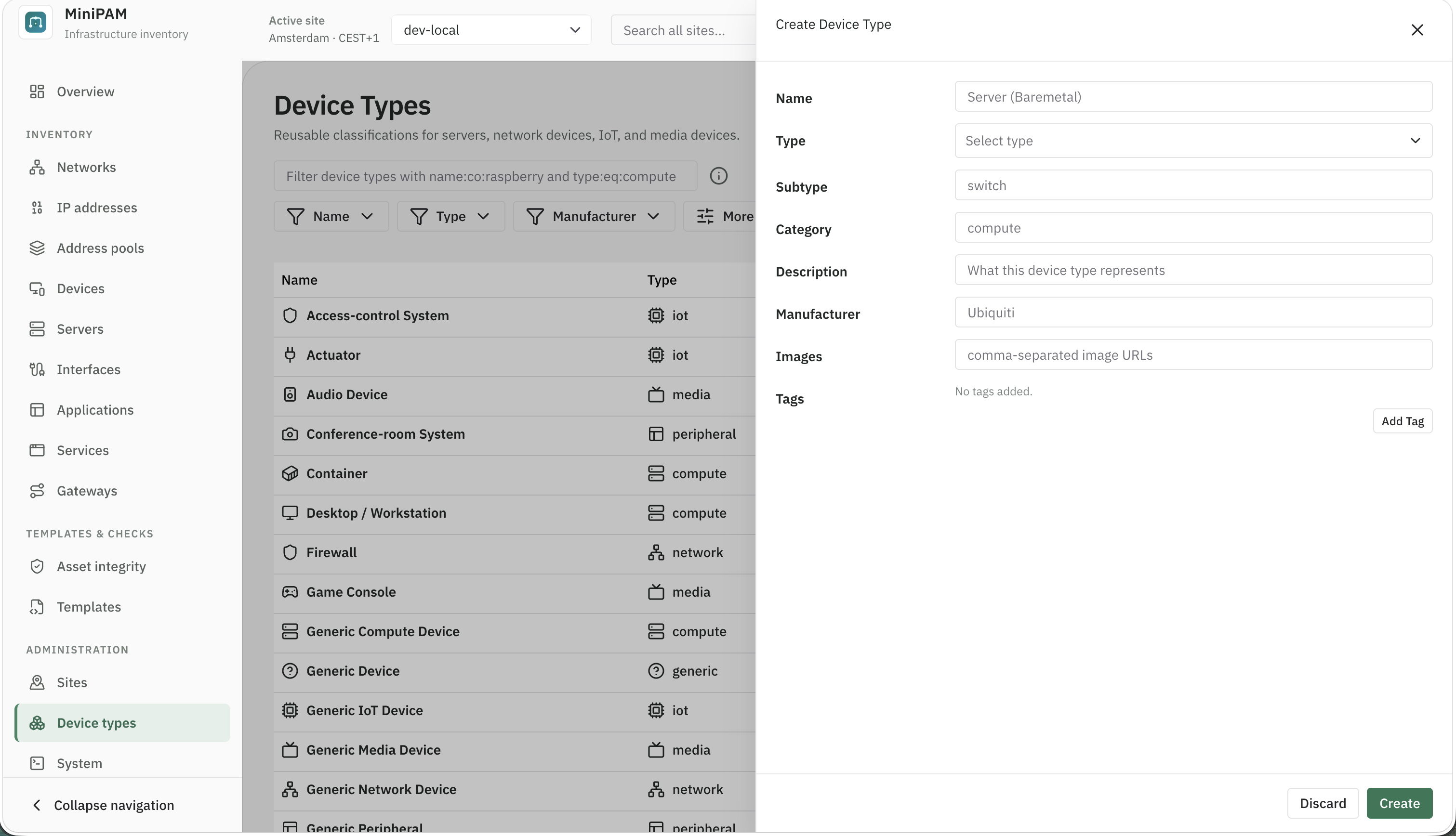
Built-in types cannot be changed or deleted. Add your own type only when it is a real distinction, not a new name for an existing one. Editors can add and edit types; only admins can delete them.
System
Administration → System is for admins. It has five tabs.
Logs
A live view of the server's recent log, kept in memory and cleared when the server restarts. Filter by stream (api, agent, background), level, module, and text, and follow new lines as they arrive. DEBUG lines are captured here even when the console log is set to INFO.
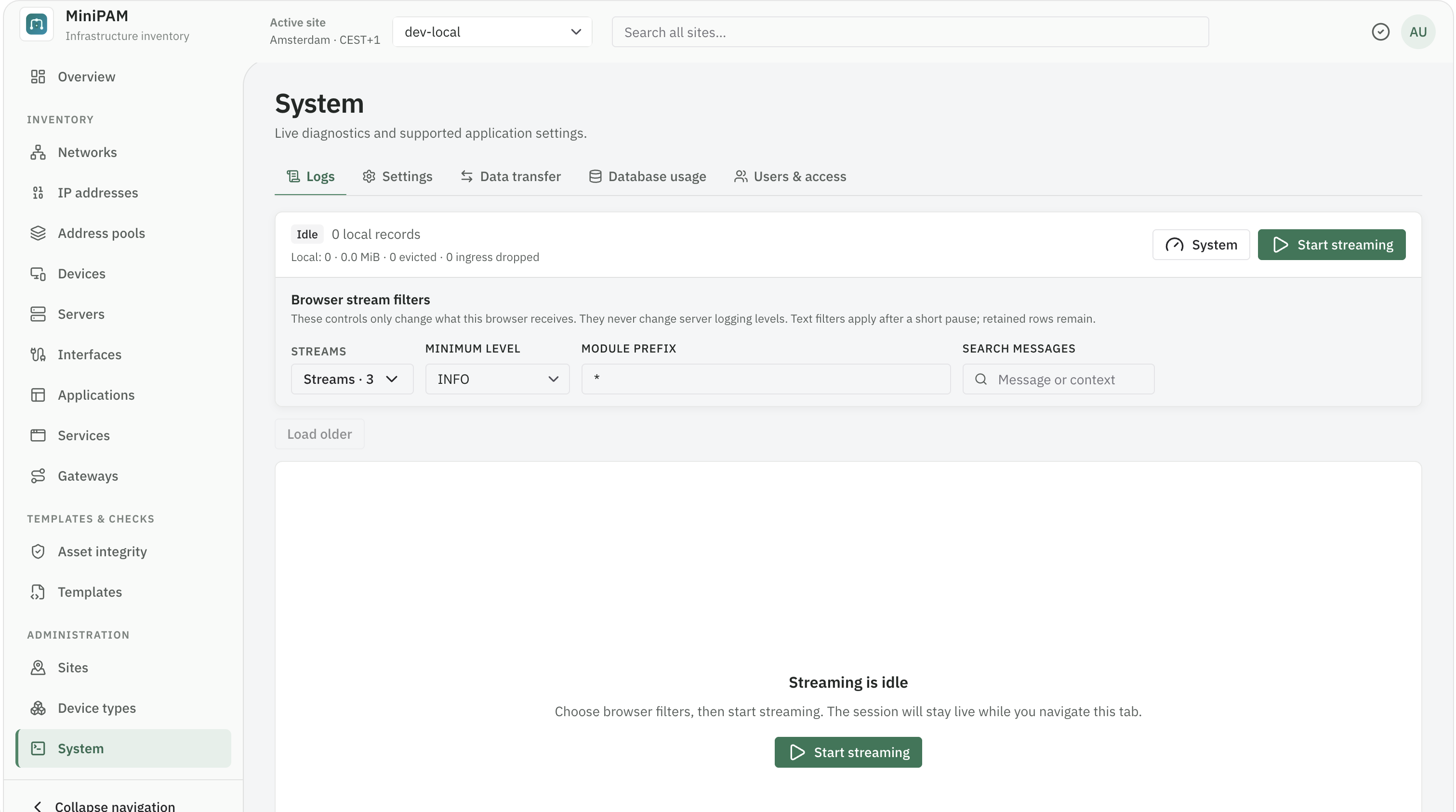
The System button raises one module to DEBUG, or hides noisy lines, for a while without a restart. Where the logs are explains the options and which modules to raise for common problems. To keep logs across restarts, enable log files in the server configuration.
Settings
Settings that live in the database and can change while MiniPAM runs. Each can be set globally, and most can be overridden for one site.
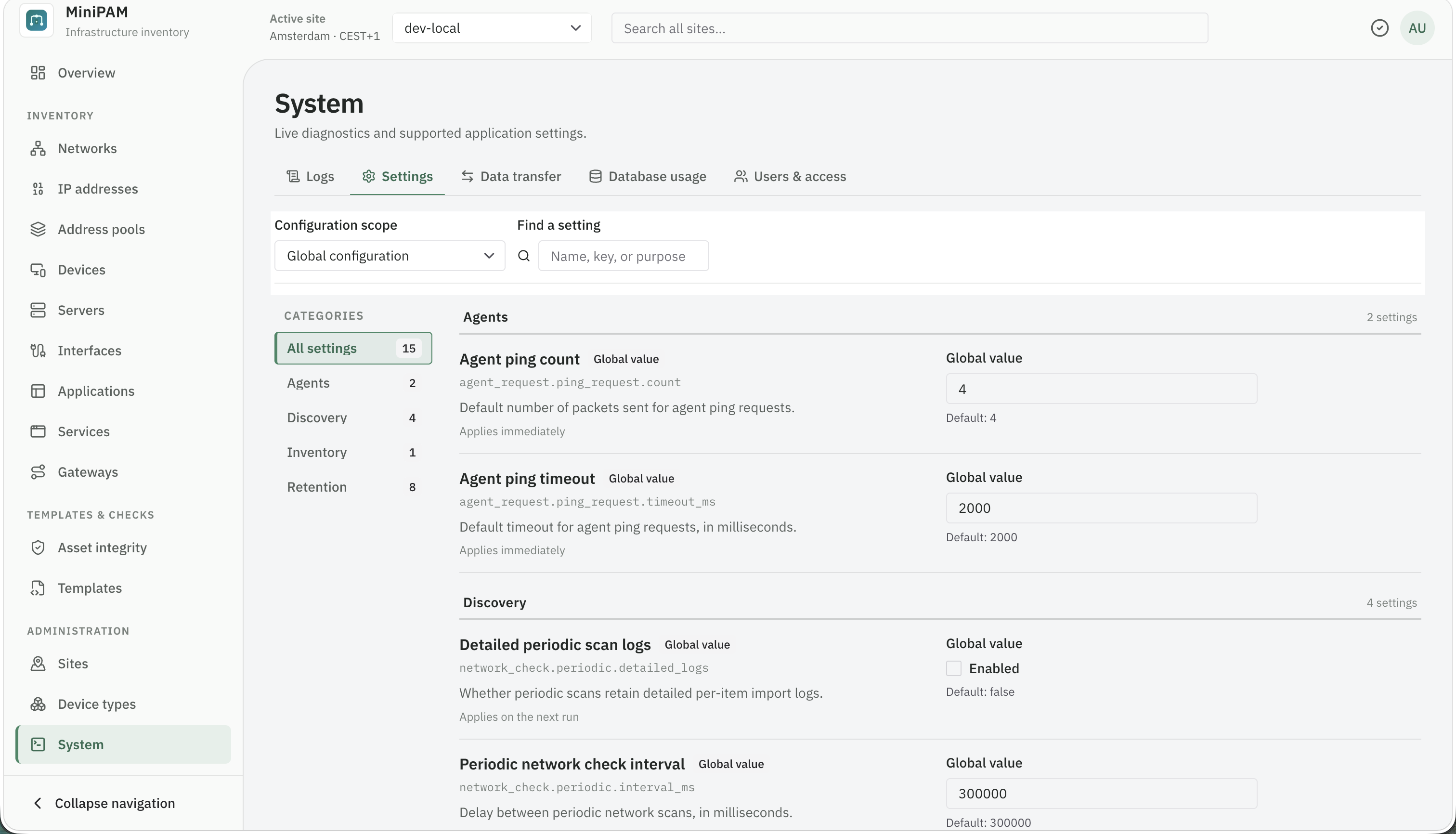
| Setting | Controls |
|---|---|
| Generated MAC address prefix | The three-octet prefix used when MiniPAM generates a MAC address |
| Agent ping timeout and count | Defaults for ping jobs |
| Periodic network checks | Whether periodic scans run, how often, and their detailed logs |
| Retained periodic scan summaries | How many daily periodic scan summary jobs to keep |
| Job retention | Days to keep scheduled, manual, and failed jobs, and verbose logs |
| Discovery activity retention | How many days to keep review activity and undo history |
| Template revision retention | How many old template revisions to keep |
| Rendered output retention | How many unpublished outputs to keep per template |
| Template render limits | Query and record caps per render, and how many renders run at once |
The periodic scan settings can also be changed under Discovery → Jobs → Schedules → Network scan settings, where Retained periodic scan summaries is called Retained daily jobs. See Periodic network scans.
Data transfer
Export inventory for one site or all sites as JSON or XLSX, and import JSON or XLSX files. An import always starts with a preview: validation errors, and what will be created, updated, or left unchanged. Nothing changes until you apply it.
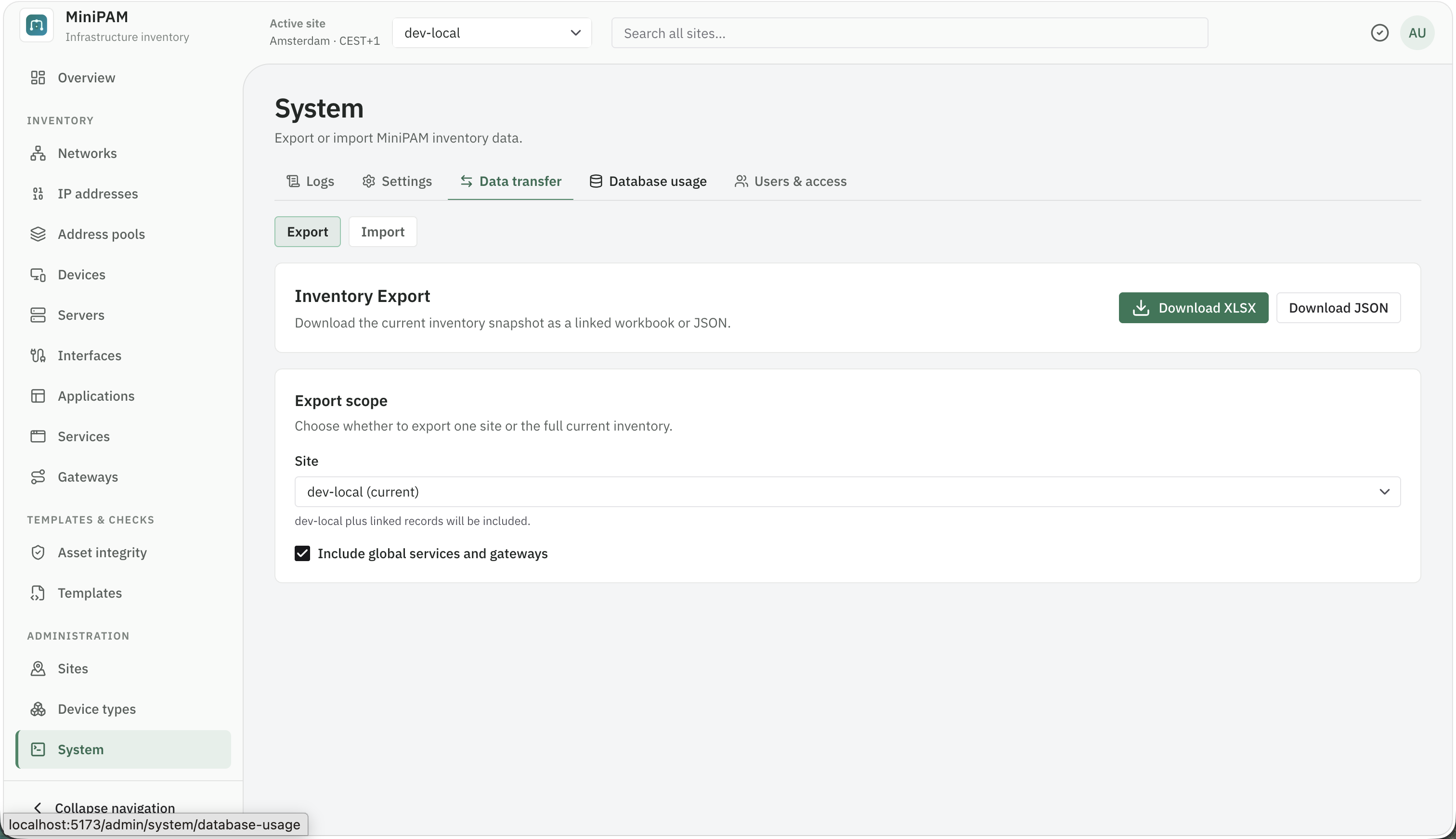
Use it to move inventory between instances or edit many records in a spreadsheet. It is not a backup; see Upgrades and backups. Keep exports private: they describe your whole network.
Editing in a spreadsheet
- Rows are matched by name, not by ID: the site name, device name, network CIDR, IP address, and so on. Type a site name and a new device name to add a device.
- A missing column leaves that value unchanged. A blank cell clears it.
- Unknown sheets and columns are ignored, and the preview lists them as warnings.
- Configuration templates are included with their current source, not their revision history.
- A file exported from a newer MiniPAM can only be imported after upgrading this server.
Database usage
How big the SQLite file is, how much of it is free, and which tables and indexes use the space. Look here before changing retention settings, to see whether growth comes from inventory, discovery, jobs, or template outputs. For typical sizes and growth per device, see Resource usage and benchmarks.
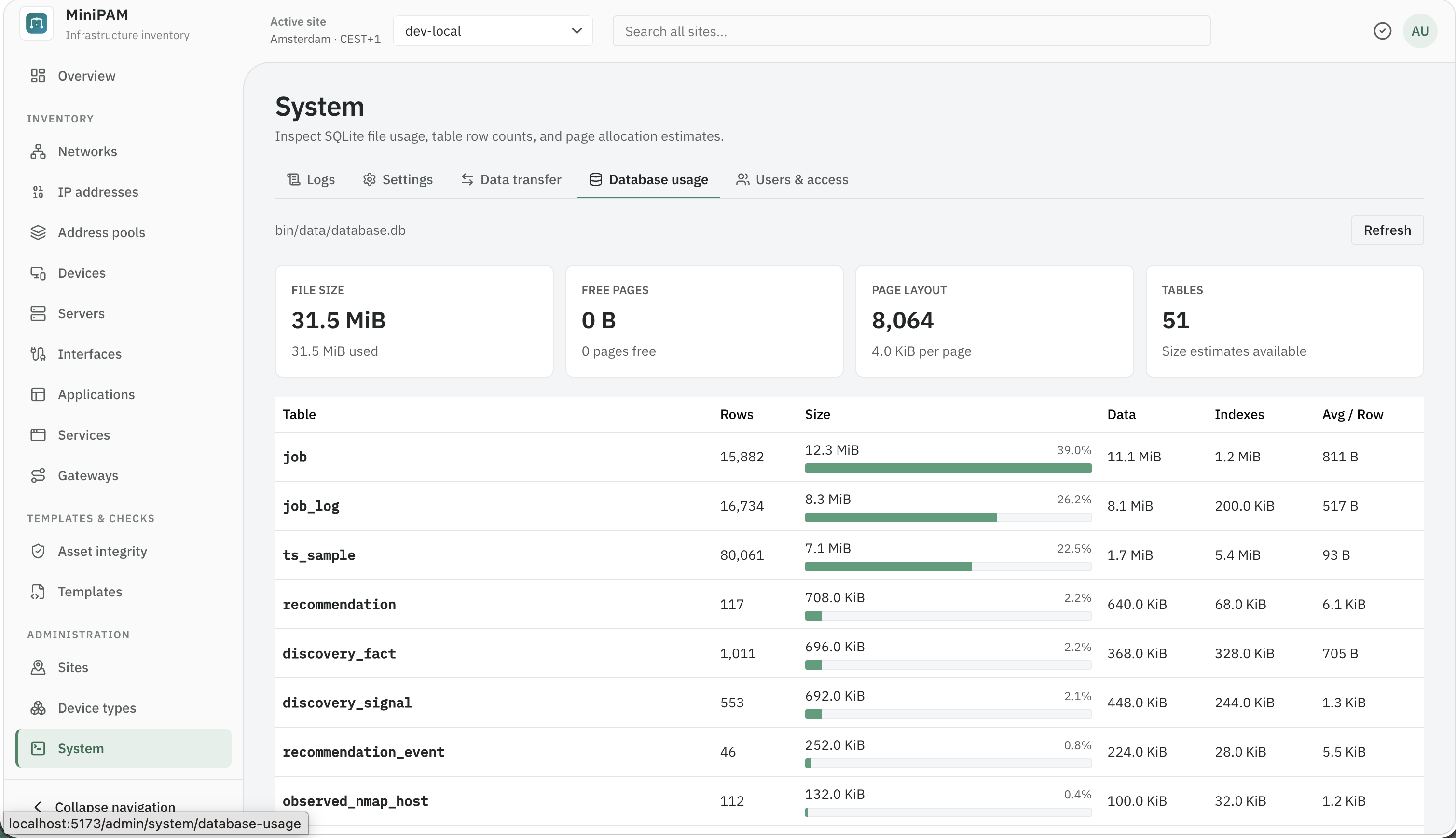
The same report is available on the command line as cli.py db usage. A large free share after a big cleanup
can be given back to the disk; see Compact the database.